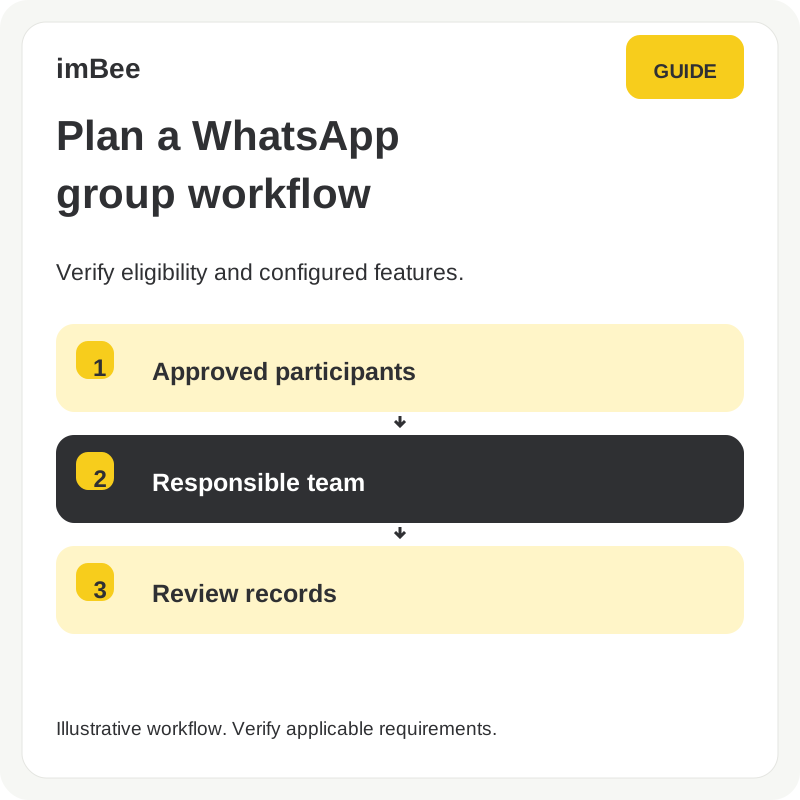
This 2023 article introduced Smart Session Handling. Before using a follow-up workflow, confirm its current availability and behaviour in a product demonstration. Under the WhatsApp Business Messaging Policy, free-form replies are permitted within the 24-hour customer-service window; outside that window, messages must use approved templates. A product workflow does not remove these requirements.

The WhatsApp Business Messaging Policy defines the messaging requirements. This historical illustration is not evidence of a current policy exemption.
Before sending a follow-up, check the current customer-service window, recipient permissions and the permitted message format. Do not treat stored content, an unread indicator or a read-now link as permission to send unrestricted free-form messages outside the window.
Ask the team to demonstrate what the customer receives, which template is used where required, how customer replies affect the window, and how delivery failures are handled.
Test a conversation inside the customer-service window and one outside it. Check the visible customer message, the template and permission checks, the responsible team member and the delivery record. Agree on a fallback when a message cannot be sent.
Discuss your follow-up process in a product demonstration and verify the current plan, configuration and platform requirements. This article does not promise a policy exemption, uninterrupted delivery or a particular customer outcome.
Discuss your channels, team and conversation handover needs in a product demo.